The future of software is amazing and wonderful. I felt it this week over something small.
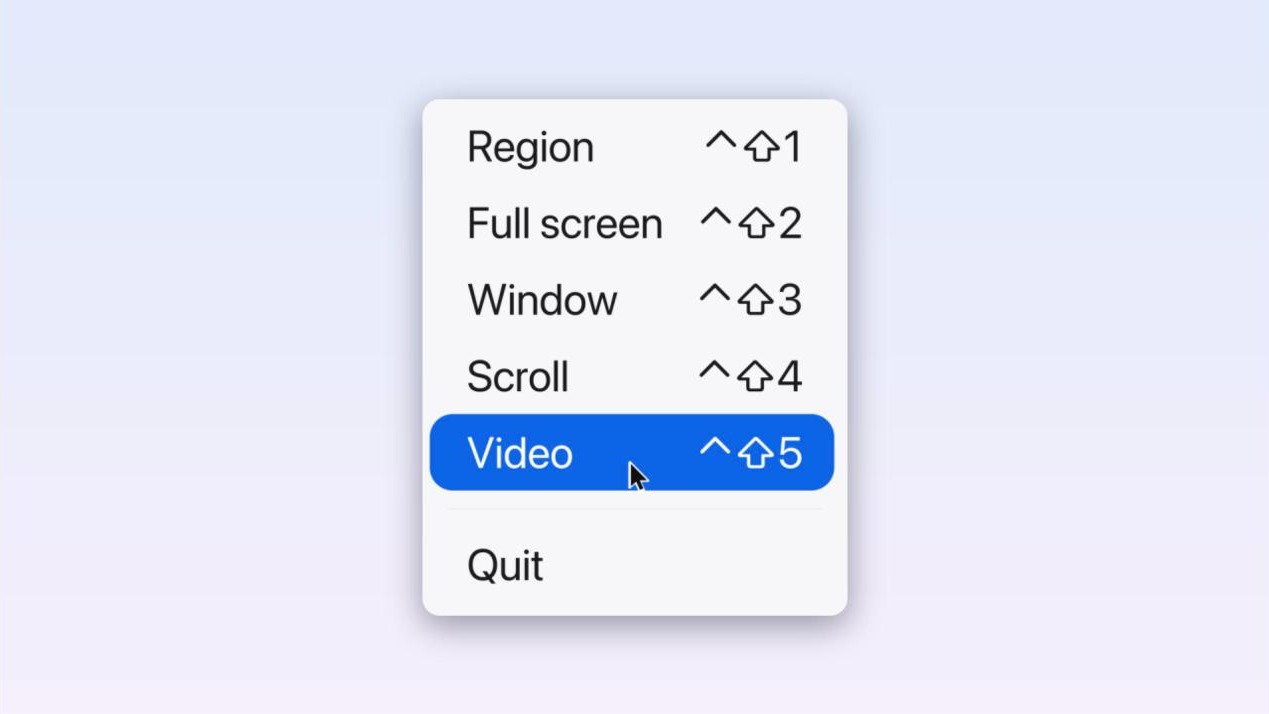
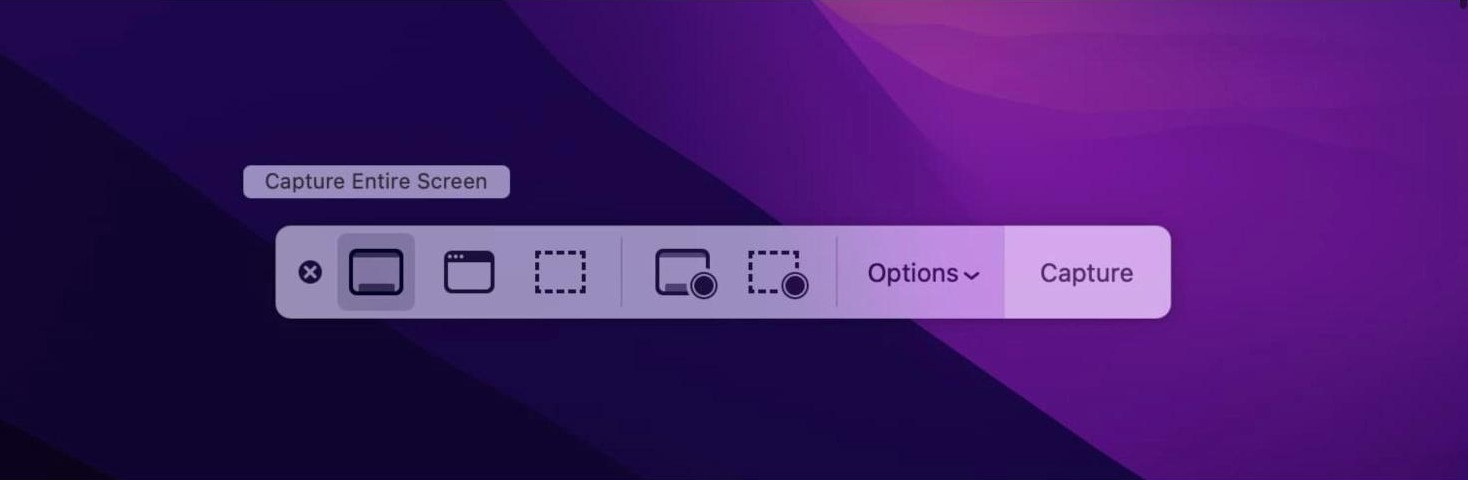
My friction point: screenshots. I take them constantly. Apple's clipboard shortcuts need four keys, video has no direct shortcut, there's no built-in scrolling capture, and switching capture modes means reaching for the mouse. I'd been quietly living with it.
From scripts to a menu bar app
I had some old Python scripts that helped. Then I described the problem to Claude Code.
It swapped in a permission-free way to register hotkeys and wrapped everything into a proper menu bar app, ShielyCapture, that starts on login with nothing to launch. I picked easier keystrokes for the five capture types, one per number, no modes, no mouse. Everything lands straight on the clipboard.
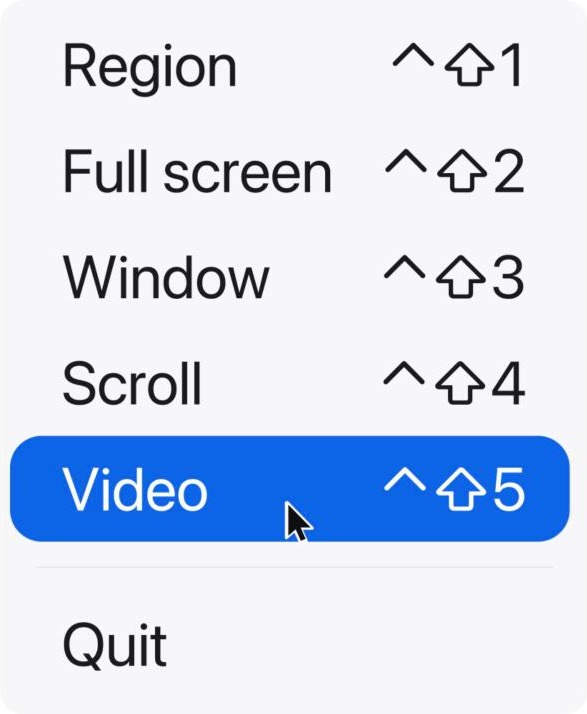
The five captures
Region was the one I wanted solid, since I recapture the same area constantly. Now Ctrl+Shift+1 pops a frame exactly where I last captured. Press Return and it's done — two keystrokes, hand never leaves the keyboard.
Full screen is a single press.
Window still needs a click on the target — not solved yet.
Scrolling capture was the feature I cared about most: click or drag a region, scroll normally, press Return, and it stitches the frames into one tall image, working out frame-to-frame movement and cleaning up seams. Built against a synthetic page first, then tested on a real one, which surfaced real bugs (rounded-corner notches, baked-in tooltips) that Claude fixed once I described them. Took 15 minutes. Seriously.
Video was next: same shortcut to start and stop, saves to Movies and to the clipboard as a pasteable file. Also a 15 minute investment.
Why build my own
Yes, Apple's own toolbar and apps like CleanShot X or Shottr already do parts of this but I wanted it built exactly my way, mode-free. It's a ~1,100-line Python file, MIT licensed, no network code, calls only macOS's own screenshot tool. Read it yourself or have your AI read it. It's a personal tool, not a shipped product; that's a much lower bar than production software for strangers.
Next up: clipboard history, including past screenshots, searchable and reusable. :-)
The economics
The economics: a feature that saves 5 seconds and takes 15 minutes to build pays for itself after 180 uses which means payback takes weeks, not years, for something used daily. Swap "screenshot" for inventory, timesheets, accounts receivable/payable, and the same math applies at scale. The build got cheap but the responsibility for maintaining and owning it didn't.
First published on LinkedIn, September 20, 2026.